 Blog
Automating Mandelbrot Fractal Generation with SYCL and Intel oneAPI
 Ankush3 min read
During Cognizance 2023 at IIT Roorkee, I attended a two-day Intel oneAPI workshop led by Abhishek Nandy (opens in a new tab) with my friend Krish Agrawal (opens in a new tab), who co-authored this write-up. On day one we learned the SYCL programming model in JupyterLab; on day two we had a short hackathon to build something real with it.
SYCL and the Mandelbrot set
SYCL (/sɪkl/) is an open Khronos Group standard for heterogeneous computing — you write standard C++ once and target CPUs, GPUs, or FPGAs without rewriting kernel code for each accelerator.
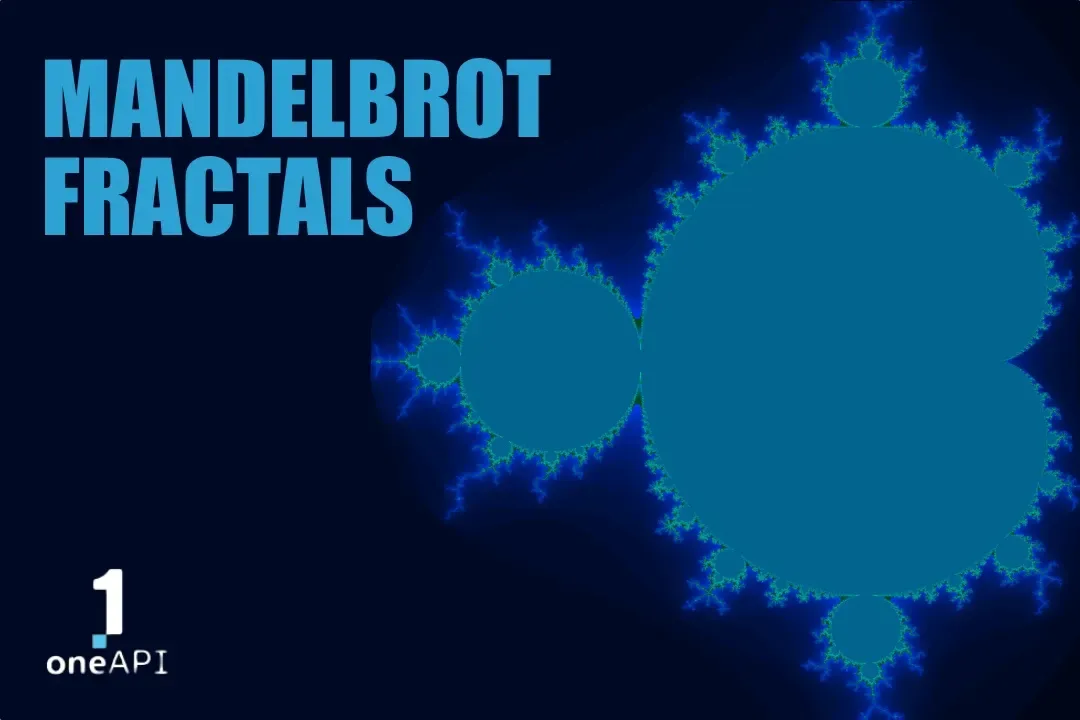
Fractals are geometric patterns that repeat across scales by iterating a simple mathematical rule. The Mandelbrot set is generated by repeatedly iterating a complex-number equation per pixel to see whether it stays bounded or escapes — an embarrassingly parallel workload that makes a great showcase for SYCL.
Running the baseline on Intel DevCloud
Intel DevCloud provided a hosted sandbox with JupyterLab preconfigured for oneAPI so we could test SYCL workloads without installing the full local toolkit.
(Note: devcloud.intel.com/oneapi (opens in a new tab) has since been retired, so the link points to an archived snapshot.)
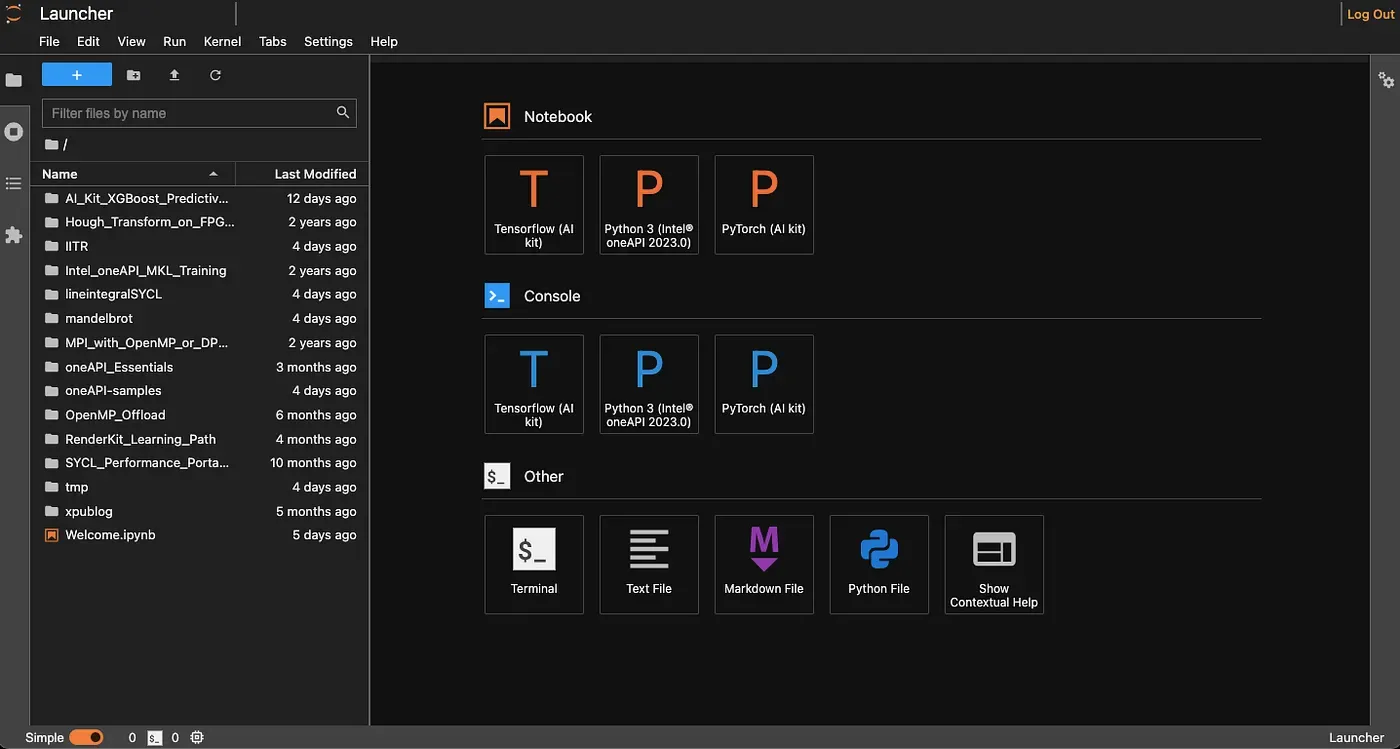
Inside the workspace, the starter mandelbrot directory compiles and renders a single fractal image:
cd mandelbrot
chmod +x build.sh
./build.sh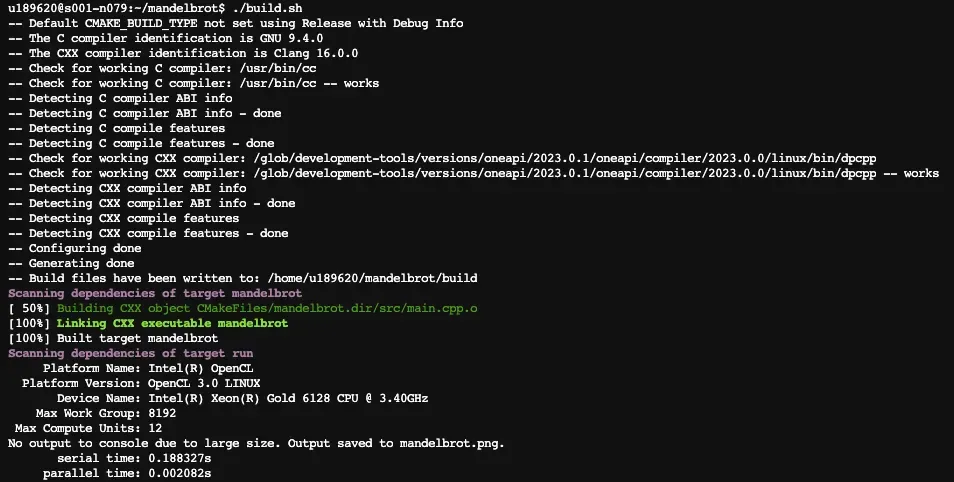
That compiled and rendered a 1024x1024 mandelbrot.png inside build/ in 190 ms (serial + parallel time) — noticeably faster than equivalent single-threaded C++ or Python. Opening src/mandel.hpp exposes four parameters controlling image size and detail: row_size, col_size, max_iterations, and repetitions.
Automating sweeps with Bash
Rather than editing src/mandel.hpp by hand for every resolution and iteration count, we wrote autogen.sh to sweep across combinations of image sizes and pass counts automatically:
#!/bin/bash

PASSES=(10 100 500 1000 5000)
SIZES=(1024 2048 4096 8192 16384)

EDIT_FILE="src/mandel.hpp"
BUILD_FILE="build.sh"

prev_size=100
prev_pass=100
count=0

mkdir -p ./images

for SIZE in "${SIZES[@]}"; do
    for PASS in "${PASSES[@]}"; do
        echo ""
        echo "Generating fractal for ${SIZE}x${SIZE} with ${PASS} passes"
        echo ""

        sed -ie "s/row_size=$prev_size/row_size=$SIZE/g" "$EDIT_FILE"
        sed -ie "s/col_size=$prev_size/col_size=$SIZE/g" "$EDIT_FILE"
        sed -ie "s/max_iterations=$prev_pass/max_iterations=$PASS/g" "$EDIT_FILE"
        sed -ie "s/repetitions=$prev_pass/repetitions=$PASS/g" "$EDIT_FILE"

        prev_size=$SIZE
        prev_pass=$PASS
        count=$((count + 1))

        ./"$BUILD_FILE"

        echo ""
        echo "Generated ${SIZE}x${SIZE} with ${PASS} passes"
        echo ""

        cp "./build/mandelbrot.png" "./images/${count}.mandelbrot_${SIZE}_${PASS}.png"
    done
done
Run it with:
chmod +x autogen.sh
./autogen.sh
Each iteration patches src/mandel.hpp, recompiles and runs the SYCL binary, and copies the resulting PNG into ./images/ tagged with its resolution and iteration count.
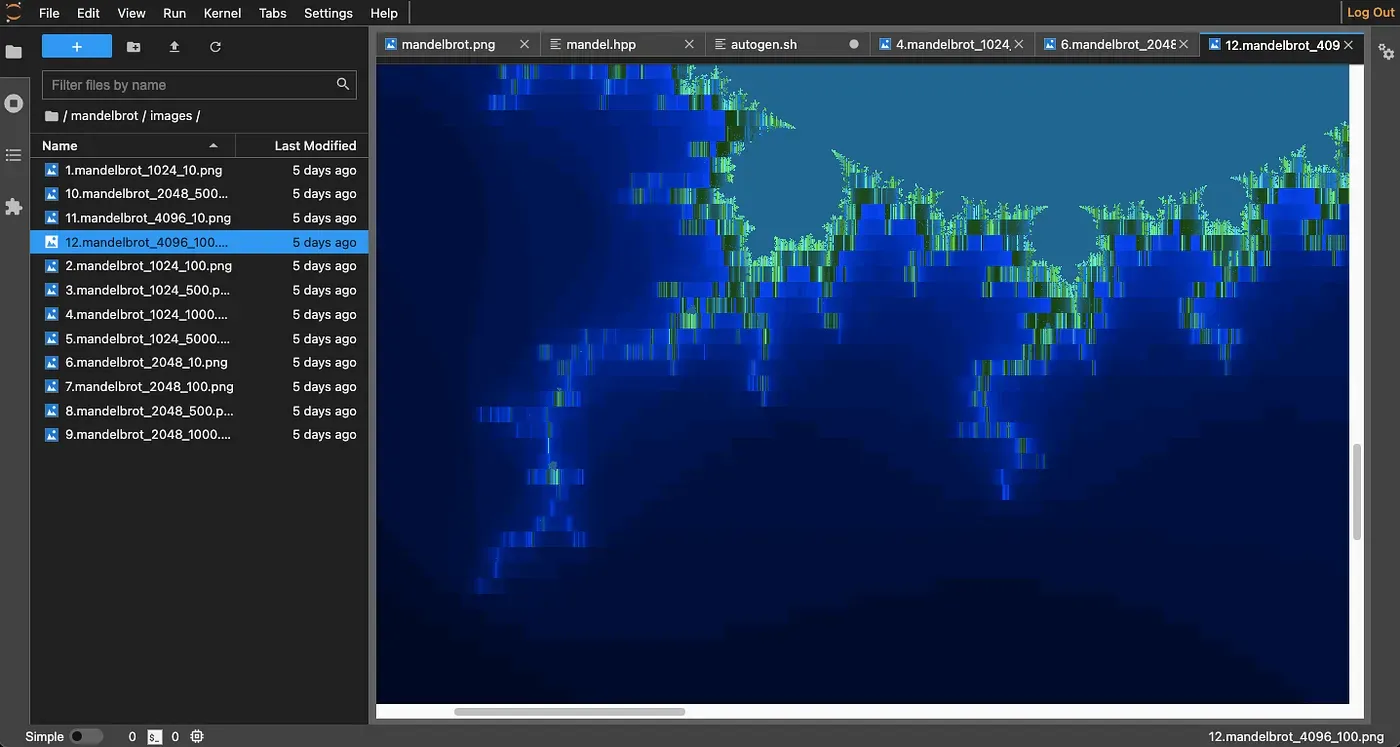
Higher iteration counts reveal sharper detail around the fractal boundary, while higher resolutions let you zoom deep into those self-similar spirals without pixelation.
The hackathon finish
Day 2 started with three hours left on the clock and nothing built yet. While poking around the sample mandelbrot project on Intel’s cloud node (running through qsub -I to get onto a compute node), we decided to automate parameter sweeps and benchmark how far SYCL could push high-resolution renders.
The heaviest run — a 16K resolution render at 1,000 repetitions — took roughly 50 minutes, still dramatically faster than naive serial code at that scale.
We put together a Keynote demo, presented our results, and somehow drew the only round of applause from the instructor. Out of 13 teams, 6 were called onto stage, and once 2nd place was announced we assumed we’d missed the podium and started packing our bags — right before they announced us in 1st place (in the rush of excitement I accidentally smacked Krish’s MacBook Pro). We walked away with ₹12,000 in Amazon vouchers and a great story from our freshman year.