 Projects
3dsDL
 Ankush
Nintendo 3DS homebrew that streams files straight to the SD card from a typed URL or scanned QR code over verified HTTPS with resume.
- C
- C++
- libctru
- Citro2D
- libcurl
- mbedTLS

3dsDL gets files onto your 3DS without pulling the SD card out.
Point the console’s camera at a QR code, or type a URL with the on-screen keyboard, pick a folder, and the file streams straight to the SD card while the console stays on. It’s a modern take on Multidownload (opens in a new tab), the 2017 homebrew downloader, rebuilt around libcurl and mbedTLS with a new Citro2D interface.
I made it because every homebrew install guide starts with “power off the console and take out the SD card”, and I wanted the version where you scan a QR code from your phone and the file is just there.
Features
- QR code scanning with the 3DS camera, or a typed link
- Verified HTTPS against a bundled Mozilla CA store, redirects that stay on HTTPS, and a warning for plain HTTP
- Streams to the SD card instead of holding the file in memory, with free space checked first
- Live speed, time left and progress; a dropped connection resumes from where it stopped once the server confirms the file is unchanged
- Unzips archives on the console, asks before overwriting, and keeps a History you can retry from
- Sets the console clock from internet time, since HTTPS fails when the date is wrong
- A 3D HOME Menu banner and an animated icon
Built With
- C and C++ with libctru and Citro2D
- libcurl and mbedTLS for downloads, quirc for QR decoding
- Integration tests that drive the real download engine against a local HTTP, HTTPS and NTP server
- Reproducible .3dsx and .cia builds in Docker, released by GitHub Actions
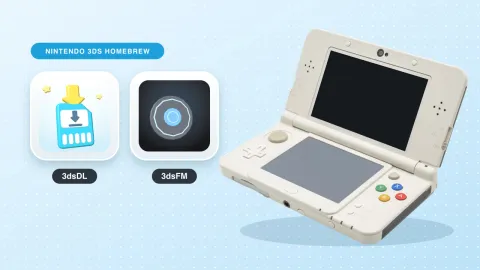
It’s at version 0.3.1, a development build confirmed on a New 3DS. The same toolchain and site design went on to power 3dsFM, and both are in the post about building for the 3DS. GPLv3, like the project it grew from.